

The agent in your terminal
Claude Code
With it you build your first agent in module 1 and make it professional in module 3: custom commands, subagents and MCP.
Modules 1 and 3
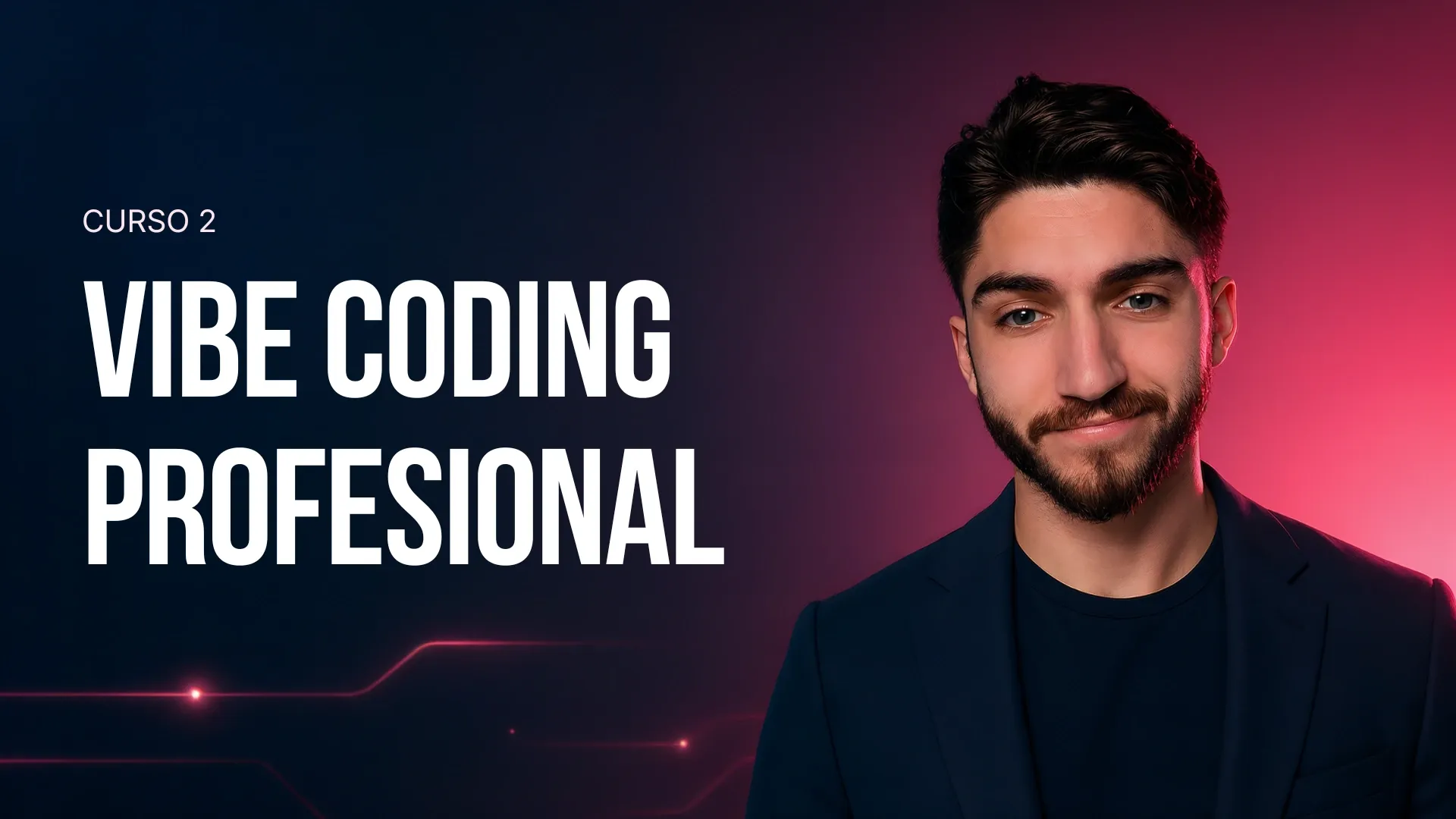
Course 2 · Vibe Coding Profesional
Four modules that go from your first agent in the terminal to an app with login, payments and CI/CD running on the internet. You start by setting up the stack from scratch; you finish at advanced level, with Claude Code, Codex and Cursor.
Real reviews
Two students describing the software that came out of this course, with their name and photo, exactly as they wrote it to us.
4 modules, 15 hours of video, roughly 4 weeks.
Student project
Her first website, from scratch
«For me the clearest proof that the course works is that I managed to build my first website starting from zero units of programming knowledge, and I find that really powerful.»

Carmen
No technical background
Student project
A site that analyses her lab’s orders
«The glossary and the extra videos improve the course enormously. It is all brilliant, really easy to follow. I have built myself a site that analyses my lab’s quotes and orders and categorises who spends more or less per year. Can’t wait to see more!!!»

Ceci I.
Real student project

The stack
> Design an AI course for non-technical people in 6 sessions
The agent in your terminal
With it you build your first agent in module 1 and make it professional in module 3: custom commands, subagents and MCP.
Modules 1 and 3
The builder
In module 2 it builds a complete web app with you: frontend, backend and database, working from a plan.
Module 2
The visual cockpit
The editor where you inspect what the agents write. It is with you from the first lesson to the final deployment in module 4.
Modules 1 to 4
The syllabus
Every module ends in something that works and can be bought separately with its own coupon, applied at checkout on the academy. The first two are the ramp; the last two are where the course earns its advanced level. Or you take the whole path with the full course.

Build a multimodal CLI that normalises expenses from text, receipts and PDFs.
Previous price: 113€ 79.99€ Coupon BIENVENIDA

Build a full-stack web app (Next.js + SQLite + Gemini) with a dashboard, using Codex as the builder and Cursor as the visual cockpit.
Previous price: 113€ 79.99€ Coupon BIENVENIDA

Make the app professional with tests, custom commands, subagents and MCP to stop the agent drifting.
Previous price: 132€ 89.99€ Coupon BIENVENIDA2

Deploy the app to the internet with authentication, payments and CI/CD: from your laptop to a real product with users.
Previous price: 132€ 89.99€ Coupon BIENVENIDA2
How it is taught
Five more reviews, exactly as they were written to us. None of them talks about the finished product: they talk about whether it makes sense.
These reviews were written in Spanish and translated here.

Carmen P.
Rating: 5 out of 5«I liked it a lot. The demo was key, because it grounds all the theory. You can easily picture where to go, what to install, how it is done and how the process unfolds, in a much more practical way. Bearing in mind that I have no prior knowledge of the subject.»

Jaime N.
Rating: 5 out of 5«Everything is very well explained and well structured. The demo also helps a lot to ground what the modules explain.»

Dani
Rating: 5 out of 5«What I liked most is how the programming terms and tools are explained for someone who does not come from that world. Making technical concepts accessible is not easy and you have pulled it off. The real-life examples helped me a lot too.»

Adan
Rating: 5 out of 5«What I loved: the video structure is clear and very well sequenced, the content quality is genuinely solid, the command of the subject really shows. Analogies like “git as a save point” are brilliant teaching devices — the kind of thing that makes technical concepts land.»
Carmen
Rating: 5 out of 5«I thought it was spot on that a real error came up in the demo and they showed how to fix it. That adds a great deal, because it teaches a very realistic part of the process: not just how things should turn out, but what to do when something breaks.»
Who teaches you
They build, deploy and maintain real software with these tools. Then they teach it to you. Their name, role and LinkedIn are right below.

AI Engineer · ex-Santander
Builds the systems he teaches you to build, every single day.

Ministry of Health · Abu Dhabi
Researches AI in healthcare and teaches on three master’s programmes.

Snowflake · ex-Microsoft
Has spent years putting startup AI into real production.

AI, Drugs & Robots · 280k+
Sets the academic standard behind everything you learn.
The full course
You can come in module by module, but the full course is the best value for the content: all four modules, the whole project and the extra material, in a single enrolment.
Full course · one-off payment
Previous price: 489.99€ 318.49€
Code BIENVENIDACURSO2
Enrolment is completed at academia.aprenderia.es, and the coupon is applied at checkout. Each module can also be bought separately, further up.
For teams
Technical objections
Straight answers, anchored to the syllabus and to what students say. If you have another one, write to us.
No, they are independent: you do not need IA desde 0 to start here, and no language is taken for granted. Module 1 sets up the stack from scratch and explains every term in plain language with analogies — there are students who arrived with no programming background at all and followed the course through, and they say so higher up the page, by name. And getting stuck is planned for: errors are part of the syllabus, not an accident. What the course does ask for is comfort with a computer and some stamina for the last two modules, which end in tests, authentication, payments and CI/CD. That is why it is listed as advanced. If you would rather learn to use AI in general before touching code, there is another way in: Take a look at the AI from scratch course .
Nothing in advance: setting up the environment is a lesson in module 1 and it is done step by step in class. The minimum stack is an editor, a terminal, Node.js and Git, and on top of that go the tools you actually work with — Claude Code, Codex and Cursor — which get installed on your machine during that same lesson. If you have never used one of them, that is exactly where the course starts.
You do not. Everything the course uses has a free alternative, and the syllabus is built so you can follow it that way from start to finish. What we do recommend is a basic plan on one of the tools: not required, but it is more comfortable to work with and you will not run into usage limits in the middle of a project. It is a call you can make as you go, not something to sort out on day one.
Yes. Each module has its own enrolment and its own coupon, and you can come in through whichever you need. If you are new to this, module 1 is the natural door; if you already work with agents, 3 and 4 are the step up to professional level. Coupons go in at checkout, in the discount box: BIENVENIDA for modules 1 and 2, BIENVENIDA2 for 3 and 4, and BIENVENIDACURSO2 if you take the full course, which is the best value for the content.
Two projects that grow with you: a multimodal CLI that normalises expenses from text, receipts and PDFs (module 1), and a full-stack web app with a dashboard that, across modules 3 and 4, gains tests, authentication, Stripe payments and CI/CD deployment. These are not toy demos: the app ends up on the internet, with users.
The course separates fundamentals from tools. The agent working loop, context engineering, tests as a contract and the path to production do not change with every new model; the specific tools (Claude Code, Codex, Cursor) are the ones professionals in the field use today.
You have seen the whole syllabus, who teaches it and what the students said. If you would rather start with general AI use, there is a way in there too.
Enrolment is completed at academia.aprenderia.es.
Vibe Coding Profesional · Previous price: 489.99€ 318.49€